Microsoft is taking the next step in phasing out passwords. From 1 September 2026, Microsoft will roll out passkeys as the default sign-in method in Entra ID.
Anyone who registers today via text message or by phone will then automatically be set up to register a passkey, and from 1 February 2027, Microsoft will even stop offering text messages and voice calls as verification methods by default.
Why take this step?
The reason is simple: SMS and telephone codes are vulnerable. They rely on a shared secret that can be intercepted, forwarded or tricked out of the user, for example through SIM swapping or phishing. Microsoft reports that AI-driven phishing campaigns now achieve click-through rates of up to 54 per cent, compared with around 12 per cent for traditional campaigns. A passkey operates on the basis of public-key cryptography: no secret is exchanged that an attacker could intercept, which makes the method inherently phishing-resistant. Furthermore, logging in with a passkey is simply more convenient for the user: no need to remember a password, and no need to type in a code.
What does this mean for pupils?
For most organisations, this is a fairly straightforward transition. In a school setting, however, the situation is slightly more complex, as pupils are generally not allowed to use smartphones at school. Yet for many users today, the smartphone is the easiest way to register a passkey, for example via Microsoft Authenticator. This option is therefore largely unavailable to pupils.
It is important here to distinguish between two groups of pupils.
Pupils who always use the same device:
(your own laptop or a school-provided computer
These pupils can log in easily using Windows Hello.
The passkey is then stored locally in that specific device’s Windows Hello container, accessed using a PIN or, where applicable, biometric authentication. This passkey is device-bound: it never leaves the device and is not synchronised. This is also its limitation: the passkey only works on that one device. Each device on which a pupil logs in requires its own registration.
Pupils who switch computers
(for example, to a shared pupil computer in a computer room)
These pupils are facing a problem.
A device-bound passkey that works on device A will not work on device B, and re-registering on each device is not feasible in practice. For this group, an alternative, phishing-resistant login method is required that is not tied to a single device and does not rely on a smartphone.
Our solution: MyLogin
For schools that use a variety of devices, we offer the MyLogin solution via Edu-Tech.
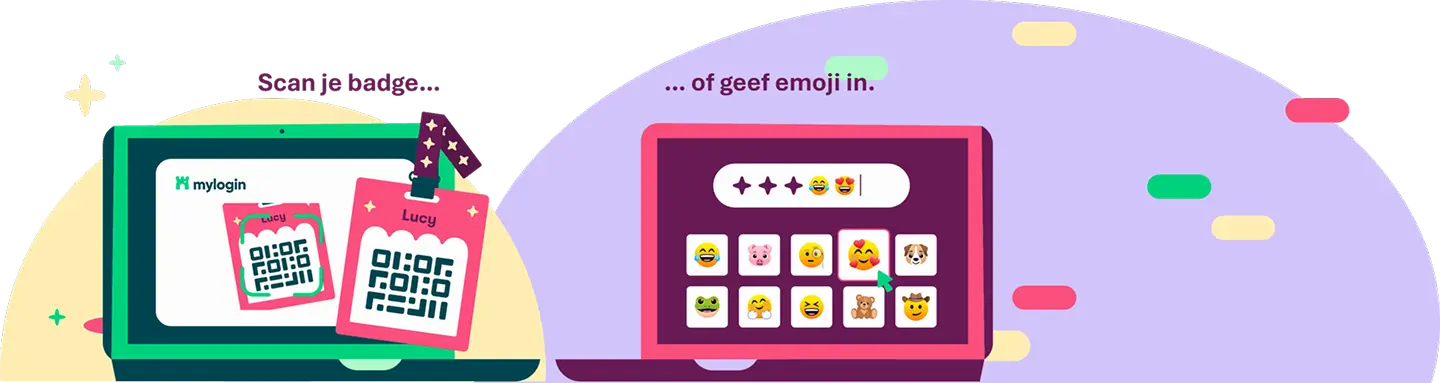
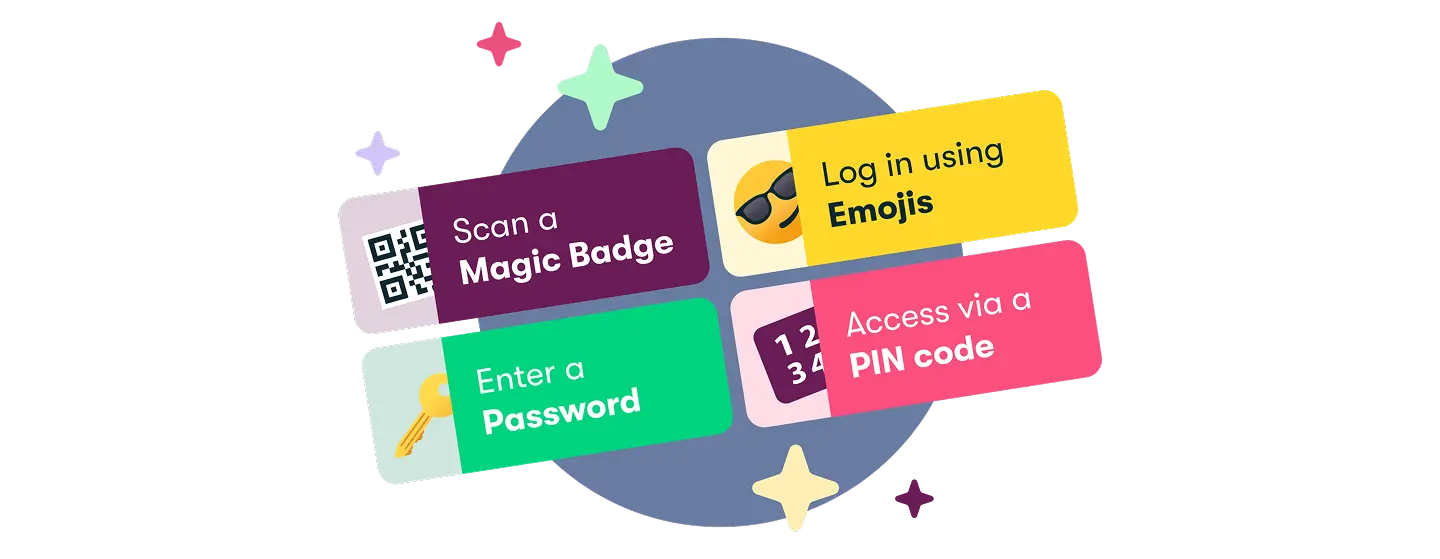
Pupils log in using a Magic badge (QR code), possibly combined with a PIN, password or sequence of emojis for extra security (2FA).
This makes signing up straightforward and easy for younger pupils, without them needing a smartphone, and it integrates seamlessly with your school’s existing Microsoft accounts.
Would you like to find out what the switch to passkeys actually means for your school environment, or are you wondering whether MyLogin would be a good addition to your pupils’ accounts? Please feel free to get in touch with us.
Further information: MyLogin licenties | EDU-Tech