Until now, when you invite an external guest to a Teams channel or meeting, Microsoft has sent the invitation email from an anonymous ‘no-reply’ address. This is set to change soon: the email will be sent from your own email address. A small change that makes a big difference to trust, privacy and ease of use.
What exactly is changing?
Currently, when an external guest receives a Teams invitation, they see the sender listed as [email protected]. That address gives no indication of who actually sent the invitation. Guests then wonder: is this legitimate? Who invited me? Should I reply to this?
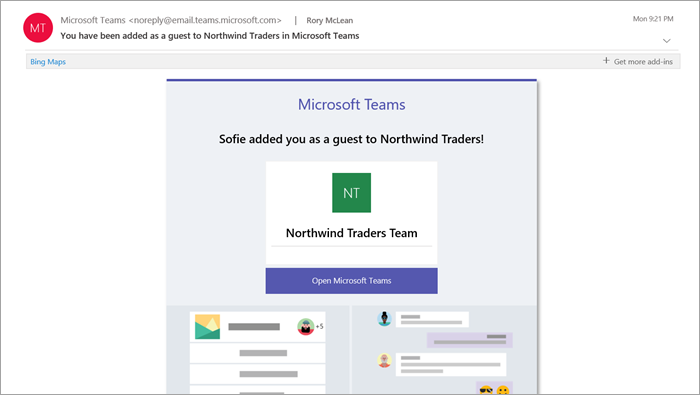
From the end of June 2026, your own email address will appear in the ‘From’ field, for example [email protected]. The guest will immediately know who invited them and can simply reply to that email if they have any questions.
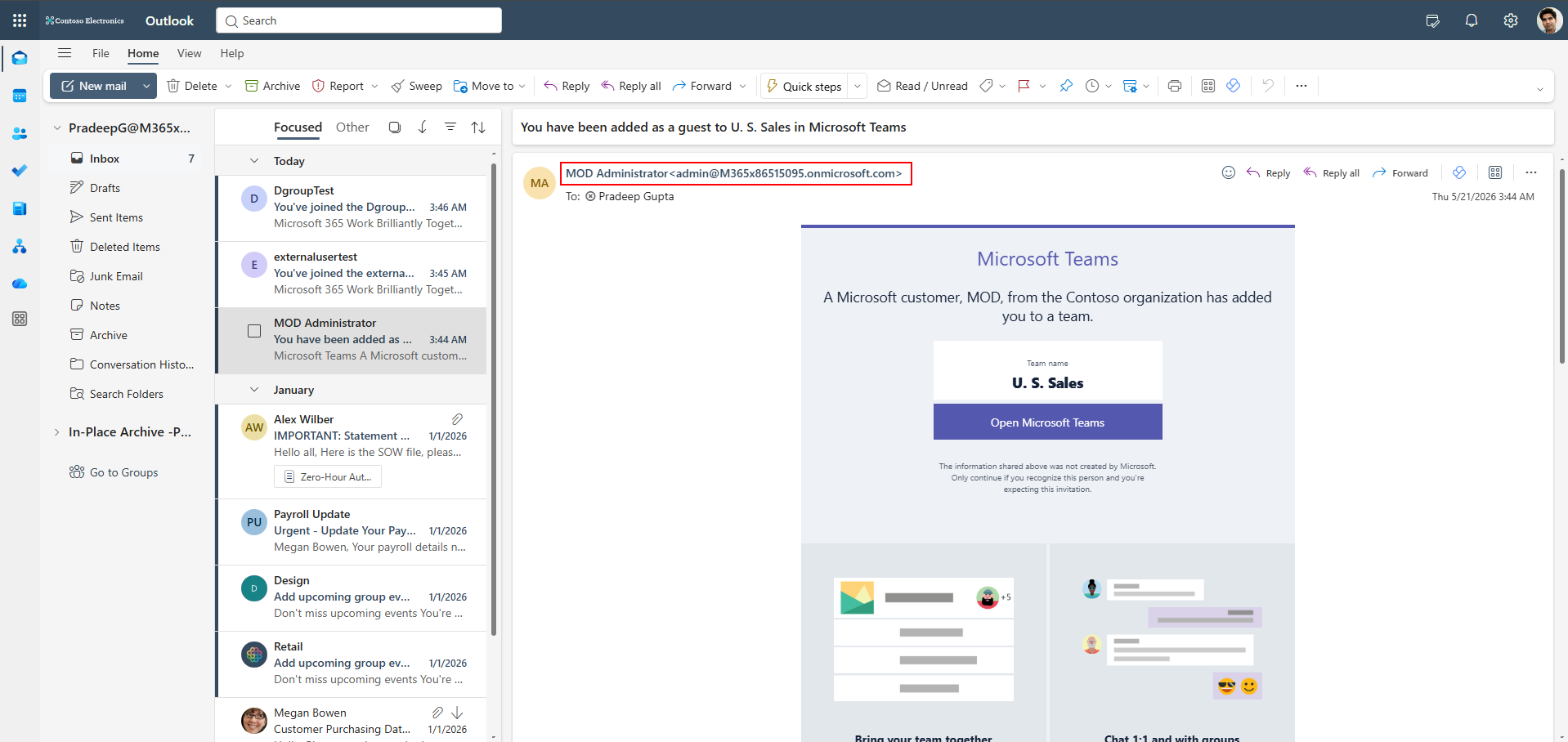
Why this is important for the GDPR
The GDPR requires organisations to be transparent about who processes personal data and in what context. An invitation email sent from an anonymous ‘no-reply’ address barely meets this principle of transparency: the recipient does not know who is contacting them, why, or in what context. Using the inviter’s personal email address as the sender immediately makes it clear who is responsible for the invitation. This reinforces the accountability of the organisation’s own staff and ensures a processing context that is more understandable to the data subject.
From a GDPR perspective, this is therefore a step in the right direction. External parties who have doubts about the legitimacy of an invitation can now contact the sender directly to ask for more context, rather than having to find out who is behind a generic Microsoft email address.
What does this mean in terms of ease of use?
In a school setting, you regularly work with people from outside the school: parents, support staff, inspectors, work placement organisations, or colleagues from other institutions. These people are not always familiar with Microsoft Teams and, when they receive an invitation, they sometimes ask themselves the following:
Typical helpdesk enquiries today
"I received an email from someone at Microsoft, but I don’t know anyone at Microsoft. Should I click on this?" or "I wanted to ask a question, but there was no reply address in the email."
Under the new approach, these external participants receive an email that looks as though they have been invited directly by a colleague or contact they know. They can simply reply to that email if they have any questions. This significantly lowers the barrier to joining a Teams environment.
Benefit for the helpdesk
Fewer confusing reports about “suspicious Microsoft emails”. External parties find their way round more quickly and, if in doubt, simply contact the person who sent the invitation directly.