As IT administrators, we know all too well what Teams meetings are like: participants who accidentally share their screen, the ‘Leave’ button that’s right next to ‘Raise hand’, and the never-ending search for the right view.
Microsoft is now tackling this in a systematic way, not with a single change but with four. And at the same time, an old friend is leaving.
Together mode will be discontinued on 30 June 2026
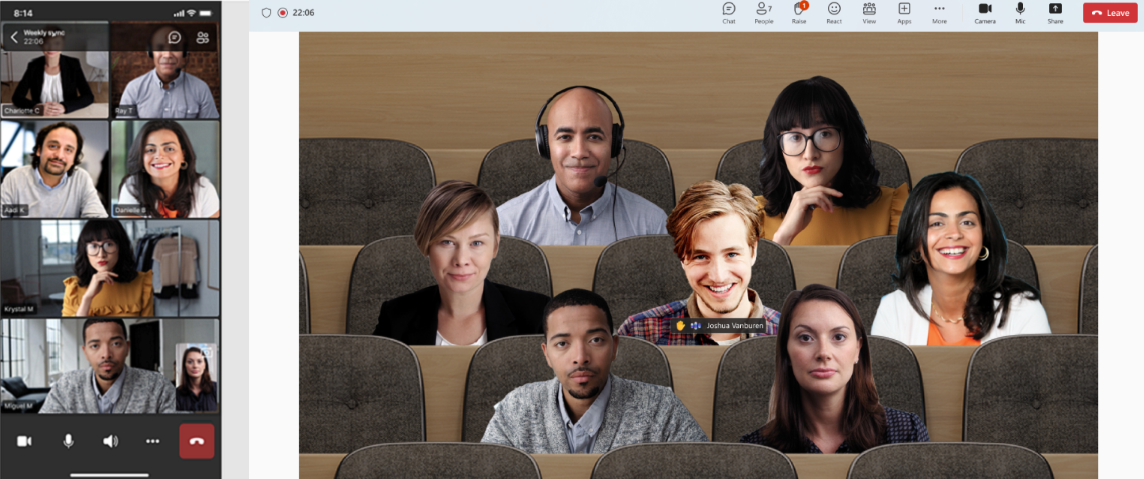
Anyone who enjoyed bringing all participants together in a virtual lecture theatre or coffee bar during the pandemic will be familiar with Together mode. This feature will be discontinued on 30 June 2026. Microsoft is discontinuing it to simplify the meeting experience and focus its development efforts on areas that improve every single meeting: video quality, stability and performance across all types of devices.
The reason is understandable. The modern Gallery view already displays up to 49 participants at once and automatically adjusts the number and size of video tiles based on the user’s device. In fact, this already achieves what Together mode was intended to do, without the technical complexity behind the scenes.
From 30 June, the Together mode toggle will be removed from the view menu. Custom scenes and seating arrangements will also be discontinued. Organisations that used scenes for branding can now use branded backgrounds via the Teams admin centre, including the frosted glass options.
Simplified meeting controls
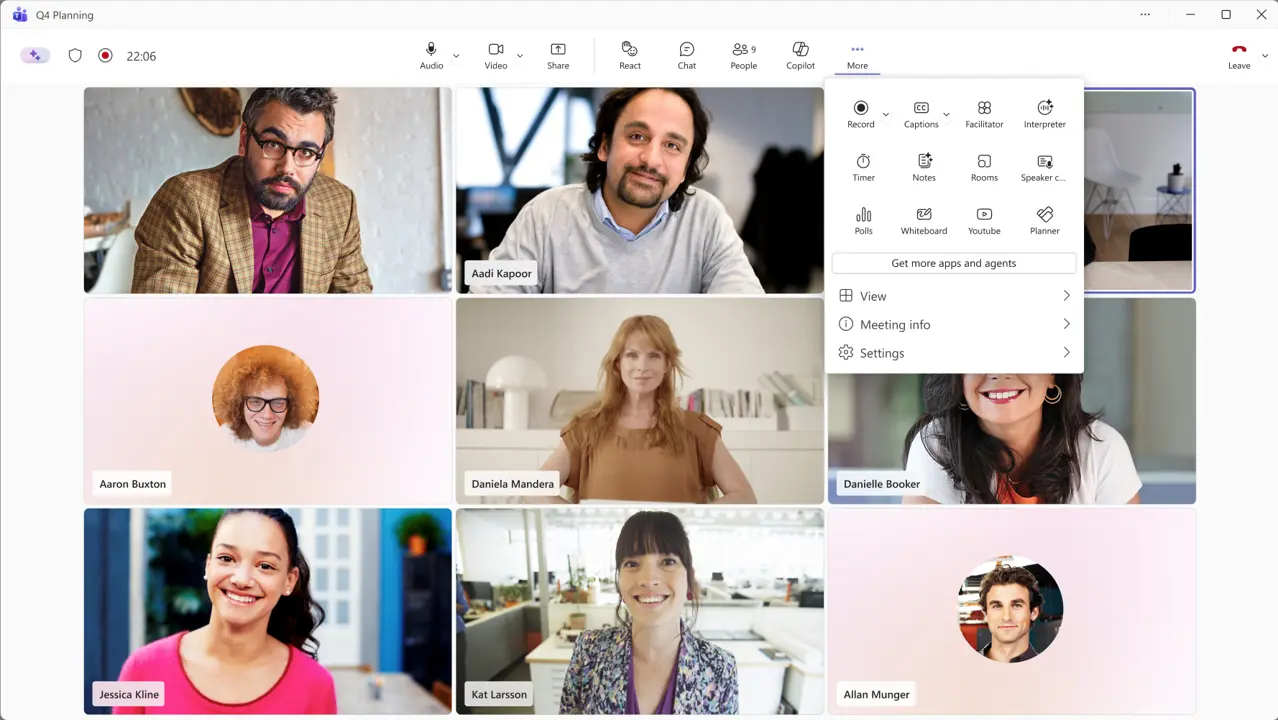
Alongside the discontinuation of Together mode, Microsoft is also announcing a completely revamped meeting experience (MC1317197). The controls are being thoroughly reorganised. The microphone, camera and sharing functions will be placed centrally in the bar. The ‘Leave’ button has been deliberately placed separately, away from the other actions. Less frequently used functions are being moved to a tidier ‘More’ menu.
Another new feature is that users can customise their own toolbar. Using drag-and-drop, they can pin, unpin and rearrange buttons. These settings are saved across meetings on the same device. Cross-device synchronisation is not yet available at launch; this will follow later.
There is one practical point for administrators to note: new policies for pinning meeting apps support a maximum of two apps in the main bar. Additional apps can be accessed via the "More" menu. Existing policies remain in force.
Smarter panel with two-step confirmation
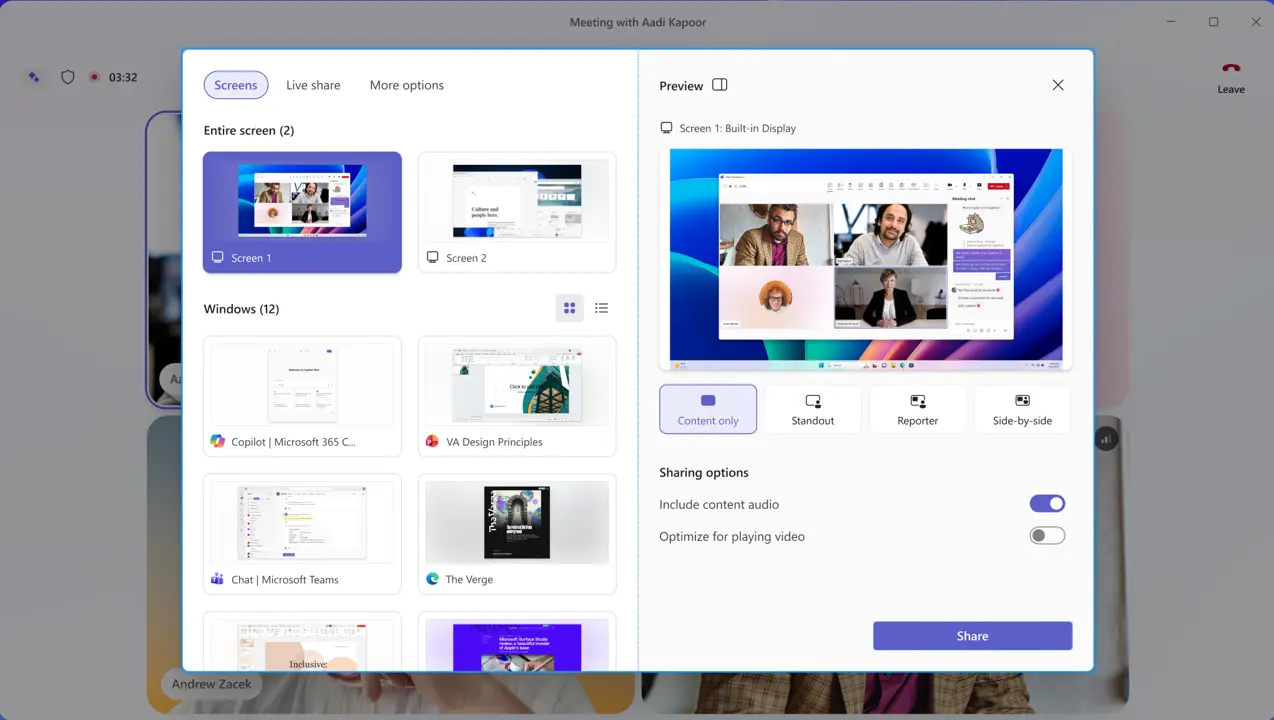
Alongside the new interface, the screen-sharing pane is also being completely revamped. The current window has become increasingly cluttered over the years, leading to content being shared accidentally. The revamped version uses live previews of screens and windows, so you can see exactly what you’re sharing before you do so. The layout is divided into tabs: Screens and apps, Interactive files and More options.
The most frequently requested improvement is also the most tangible: when a user selects a screen or window, they are presented with a confirmation step before it is actually shared. This significantly reduces the risk of accidentally sharing sensitive content. This has been a stumbling block in training sessions for years, so it is a logical but welcome addition.
The new interface and the updated pane are enabled by default and cannot be disabled at tenant level. Users can temporarily revert to the old experience via Teams settings, but this option is temporary and will be removed at a later date. Microsoft will provide further information via a separate Message Centre notification before the opt-out option is removed.
Minimised meeting window with comments
Anyone who has quickly switched windows during a meeting to look something up will be familiar with the problem: you want to raise your hand or send a comment, but first you have to open the full meeting window, find the right button and then switch back to what you were doing.
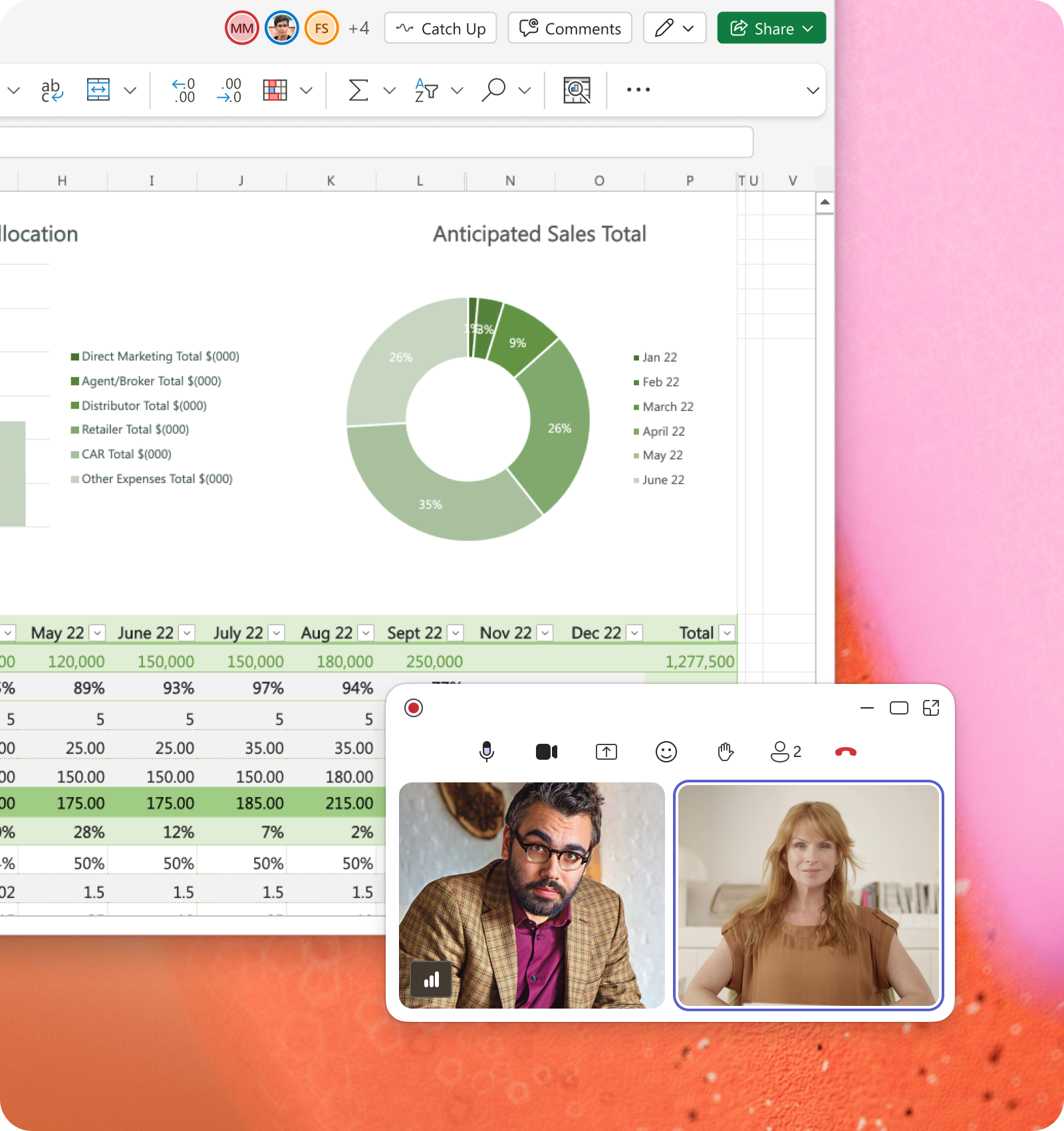
Microsoft is tackling this with a new minimised view. When you minimise the meeting window, you will now see a compact bar that allows you to raise your hand or send a comment straight away, without having to reopen the full window. This feature was rolled out in May 2026 and is now available to most users.
Automatic transcription without recording
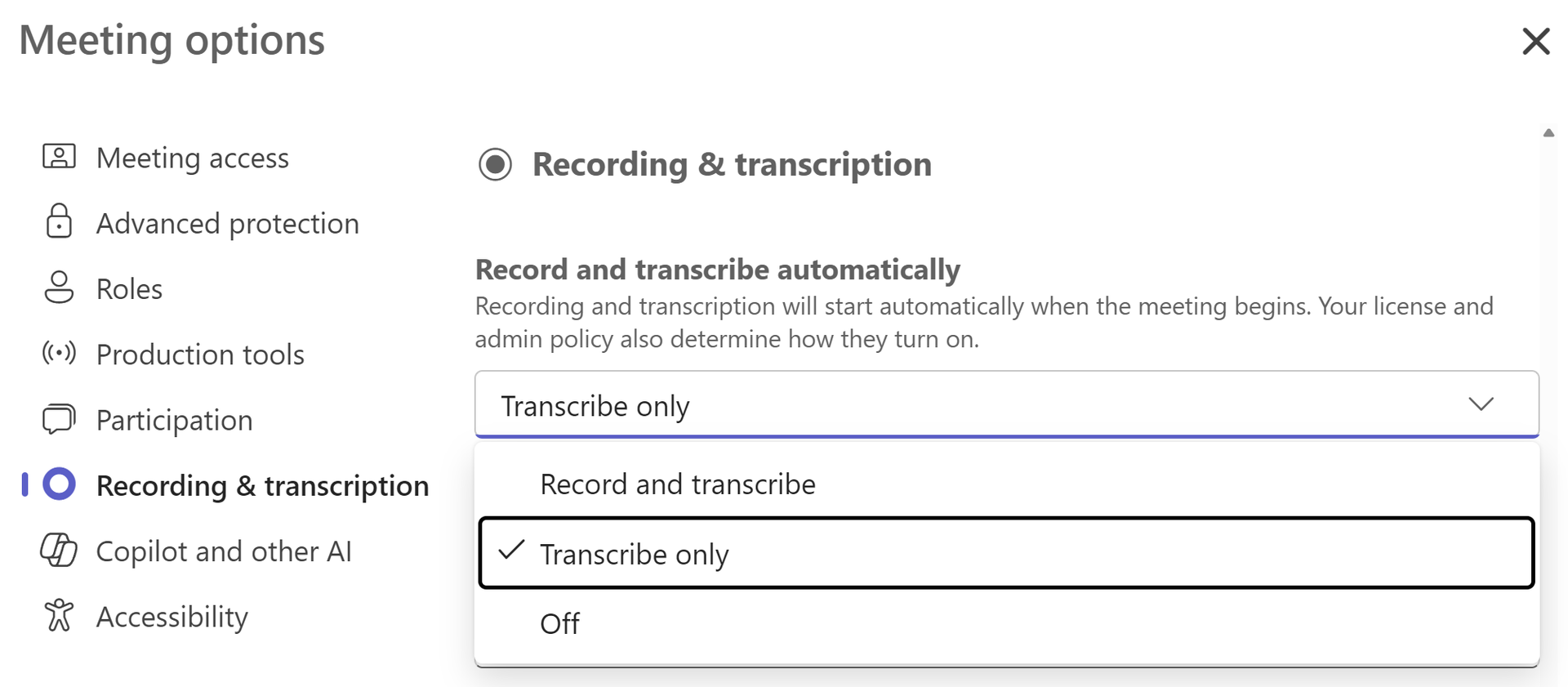
Another improvement that has received relatively little attention but is extremely useful in practice is that meeting organisers can now select ‘Transcribe only’ as the automatic meeting option. The transcription starts automatically at the beginning of the meeting, but no recording is made.
That may sound like a minor detail, but it resolves a specific point of contention. In environments with strict privacy or compliance requirements, recording is sometimes not permitted or considered sensitive. At the same time, a transcript is just as useful for many users: you can review the content of the meeting afterwards, Copilot can use it to generate summaries, and Intelligent Recap works with it too. Until now, recording and transcription were linked. That distinction is finally in place.
The feature was rolled out in May 2026 and is available to all Teams users in the workplace and in schools.